Get Tech Ready Before Your Italy Trip

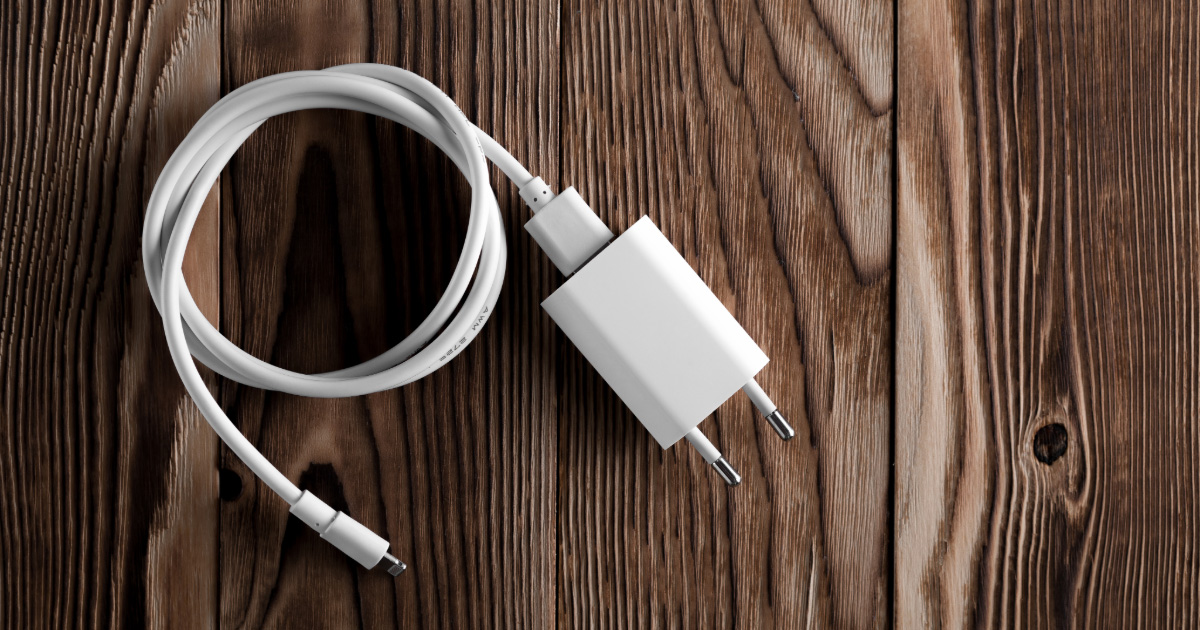
A cell phone charging cable is plugged into a European power adaptor
Most people spend weeks planning what to see and where to eat in Italy. Far fewer spend an hour getting their phone, devices, and apps ready before they leave — and that’s usually when the small frustrations start. A dead battery in Florence, a roaming charge you didn’t expect, a taxi app that won’t let you register without a local number.

None of it is complicated to avoid. The checklist below covers what to set up, download, and pack before you head to the airport. A little preparation at home saves real time and stress once you’re there.

Download WhatsApp

WhatsApp is the most widely used messaging app in Italy and across Europe. Hotels, restaurants, tour operators, and local guides commonly use it for communication — and it’s how many businesses prefer to be reached. Beyond that, it’s a convenient way to stay in touch with family back home or coordinate with others in your travel group without paying for international texts. All parties need the app installed. Download it before you leave and make sure the people you’ll be in contact with have it too.

Download a Translation App

Icons for the Apple Translate and Google Translate apps
Apple and Google each offer a translation app.
Even basic Italian goes a long way, but a translation app is worth having. Google Translate and Apple Translate (pre-installed on most iPhones) both work well. The most useful feature is camera translation, which lets you point your phone at a menu, sign, or document and see an instant translation on screen. Before you leave, download the Italian language pack inside the app so it works offline — you won’t always have a strong data connection when you need it most.

Download Offline Maps

Apple Maps and Google Maps both allow you to download maps for offline use before you travel. This means you can get walking and driving directions without using cellular data, which matters most when you’re in a small town or a neighborhood without reliable service. Download the regions you’ll be visiting at home, where you have wifi.

Download Transportation Apps

A few Italy-specific apps make getting around easier and are worth setting up before you arrive.

For trains, Trenitalia and Italo are the two main rail operators. Both have apps that show real-time train status, which is useful when delays happen. If you’re spending time in Venice, CheBateo tracks vaporetto (water bus) schedules and is genuinely helpful for navigating the city’s water transit system.

For taxis and ride-share, Uber operates in some Italian cities, though availability varies by location. FreeNow is a common taxi-hailing app used across Italy. Registering payment in either app before you leave is much easier than trying to set it up when you need a ride.

Sort Out Your Phone Plan

A woman wearing a trench coat and a backpack looks at her phone in an airport terminal, with an airplane visible out the window.

International roaming charges catch a lot of travelers off guard. Before you leave, take a few steps:

  • Check your current plan. Some carriers include international calling or data as part of your existing plan. Find out what’s covered and what costs extra before you assume anything.
  • Ask about an international roaming add-on. Most major carriers offer temporary international plans. Compare the cost and coverage against other options.
  • Consider a travel eSIM. An eSIM lets you download a separate data plan for Italy directly to your phone, without swapping a physical SIM card. Airalo and Orange are two well-regarded options. This is often more cost-effective than carrier roaming plans for longer trips.
  • Reduce background data usage. Turning off automatic app updates and background refresh while abroad can cut your data consumption significantly. Airalo has a practical guide on steps you can take to reduce data usage through your phone’s settings.

Pack the Right Power Adapters

Most of Europe uses Type C or Type E/F (Schuko) plugs — the round two-pin style. These are different from American flat-blade plugs, so you’ll need an adapter. A universal travel adapter covers most scenarios and is worth the small investment if you don’t already have one.

The UK, Ireland, and Scotland use a different adapter (Type G), so if your trip includes any of those destinations, make sure your adapter covers that type as well.

Most modern phones, laptops, and cameras are dual-voltage and handle European current automatically, but check your devices to confirm — it’s usually listed on the charger or adapter brick.

Bring a Portable Charger

A full day of sightseeing — using maps, taking photos, running a translation app — drains a phone battery faster than a normal day at home. A portable battery pack lets you recharge on the go without stopping to find an outlet. Look for a capacity of at least 10,000mAh for meaningful backup power throughout the day.

One important note: airlines generally require portable batteries to be packed in carry-on luggage, not checked bags. Check your airline’s policy before you pack.

Save Digital Copies of Important Documents

If your wallet is lost or stolen, having digital backups of your key documents can save a lot of headache. Before you leave, photograph or scan your passport, driver’s license, and the front and back of any debit or credit cards you’re bringing. Save them somewhere accessible — your phone’s photo library, a secure cloud folder, or a trusted notes app works fine.

Use the Right App to Re-Enter the United States

Travelers walk down an airport corridor beneath large yellow signs directing people to Global Entry, U.S. Citizens, and Non U.S. Citizens lanes.

Two apps can save you meaningful time when you land back in the US:

  • Global Entry members can use the Global Entry mobile app to submit arrival information and a selfie, bypassing the physical kiosks at many airports.
  • Everyone else can use the Mobile Passport Control app to submit customs information before you reach the booth, which typically means a shorter wait.

When you arrive at customs, look for the designated line for whichever app you used.

A little time spent on this before you leave makes the trip itself run more smoothly. If you’re still in the planning stages and want help thinking through the logistics of your Italy trip, schedule a complimentary consultation call and we can talk through what’s involved.